Groups & Multi-SLAM
The Groups page lets you organize multiple VRS recordings into groups and submit them for Multi-SLAM processing. Multi-SLAM produces trajectories and point clouds in a common coordinate frame across all recordings in the group, which is essential for spatial analysis of shared environments.
Create a group
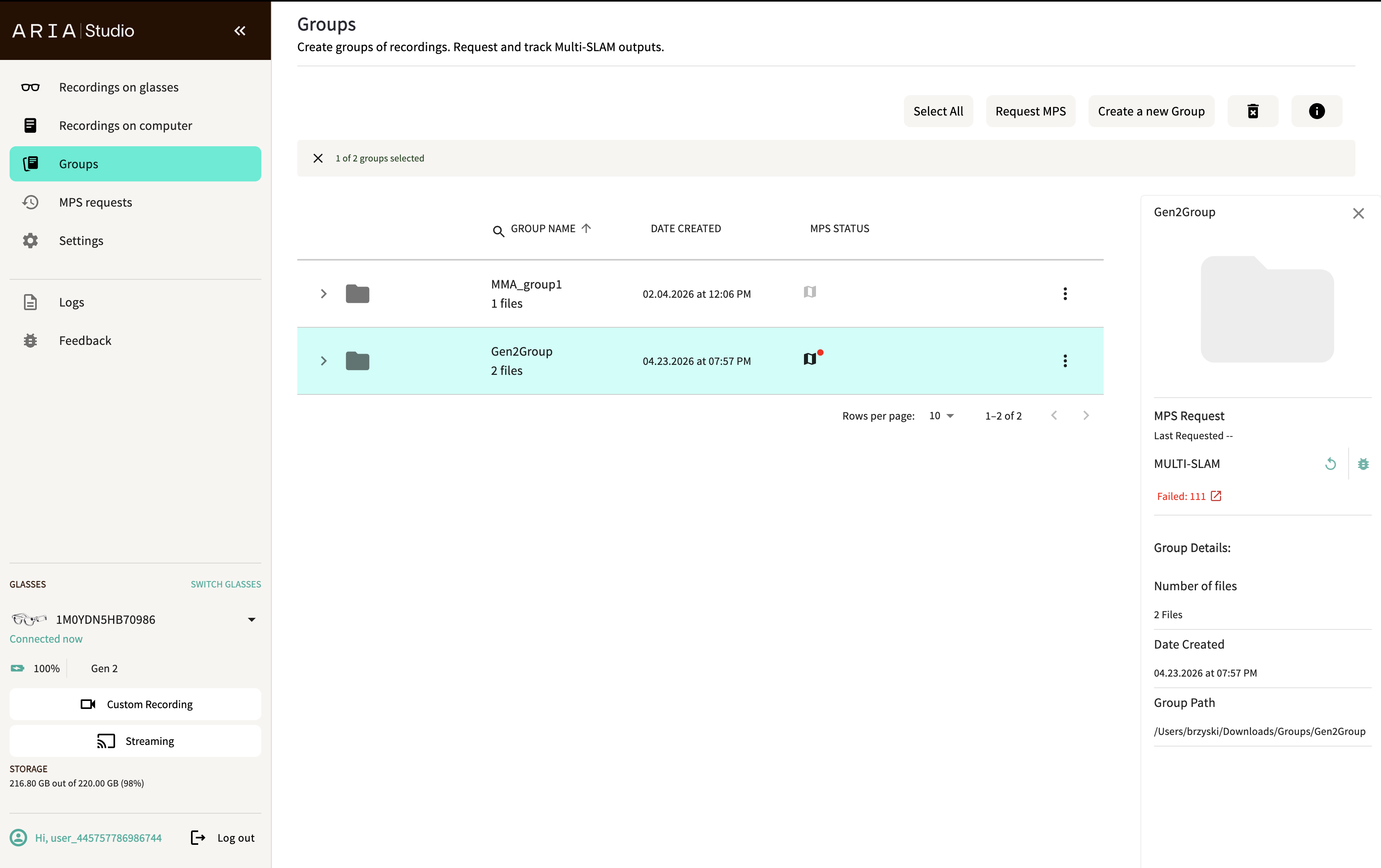
- Select Create a new Group in the header.
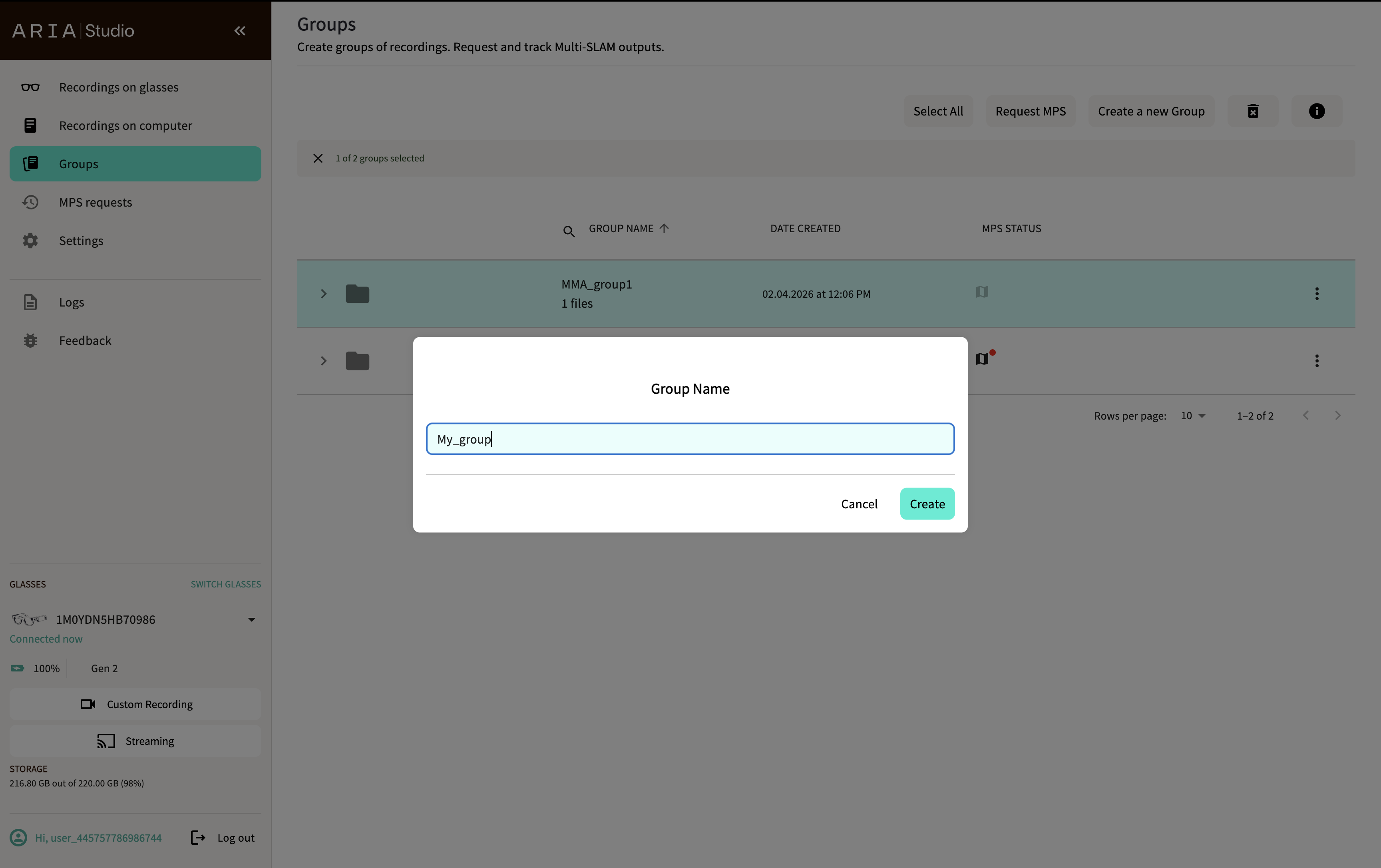
- Enter a group name in the Group Name dialog.
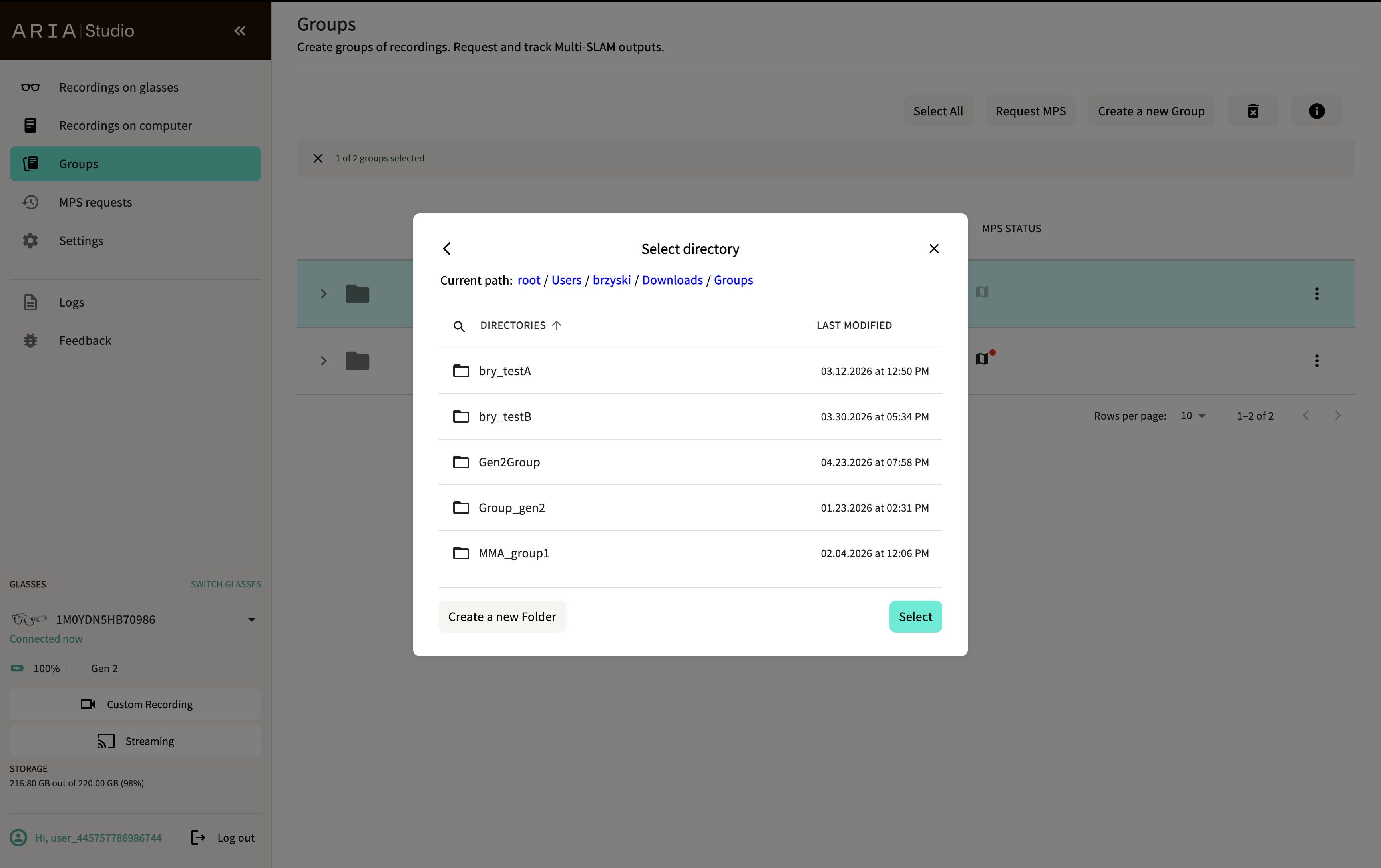
- Choose the directory where the group data will be stored in the Select directory dialog.
- A confirmation message appears when the group is created.
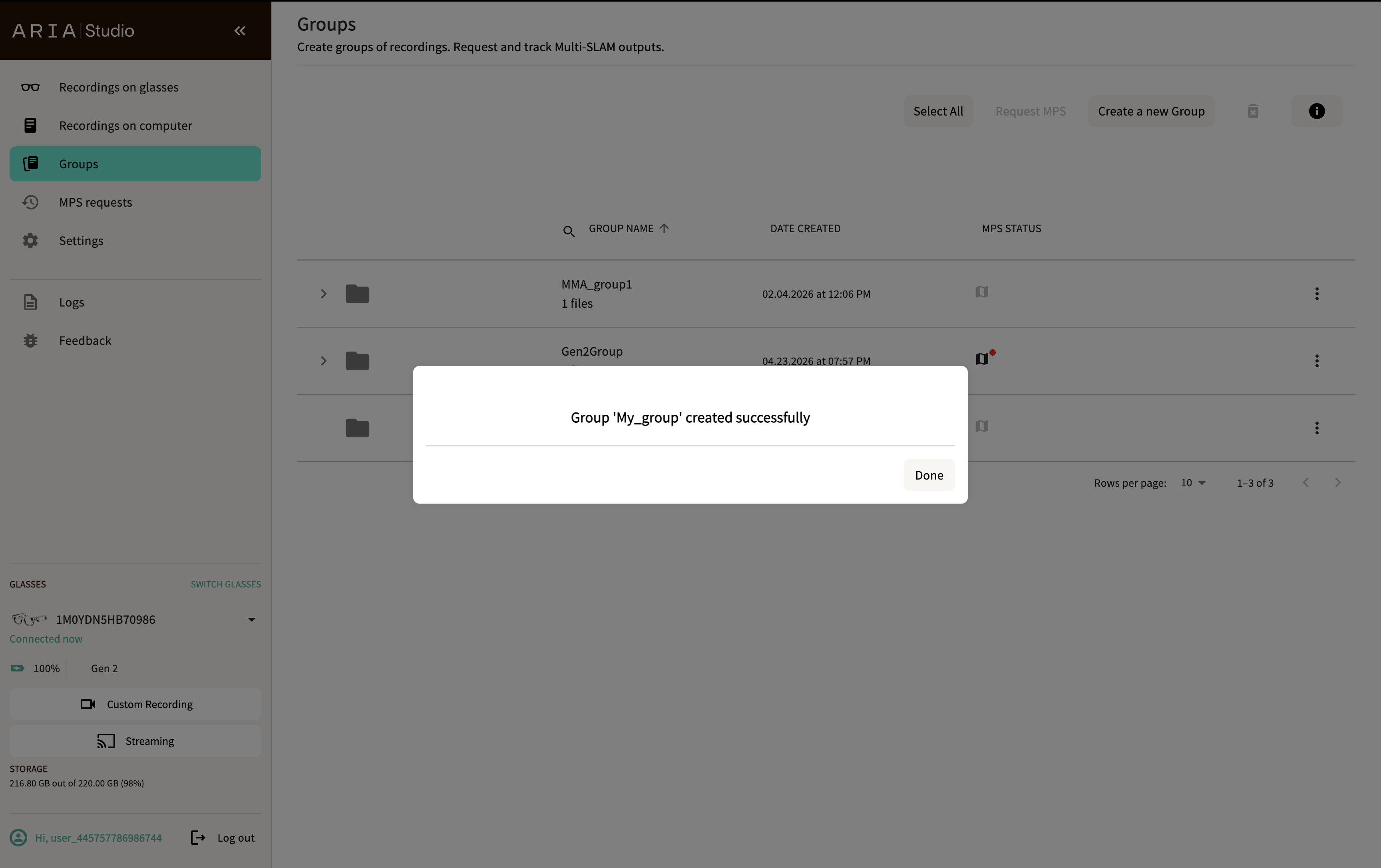
The new group appears in the table as an empty group. Add recordings to it from the Recordings on Computer page using the Add to a Group button.
A group can only contain recordings from a single device generation (all Gen 1 or all Gen 2), because Multi-SLAM cannot combine recordings across generations. Once a group contains a recording of one generation, groups of the other generation are shown as disabled in the Add to a Group dialog.
Create errors
Group names must be unique, and the target directory must not already exist:
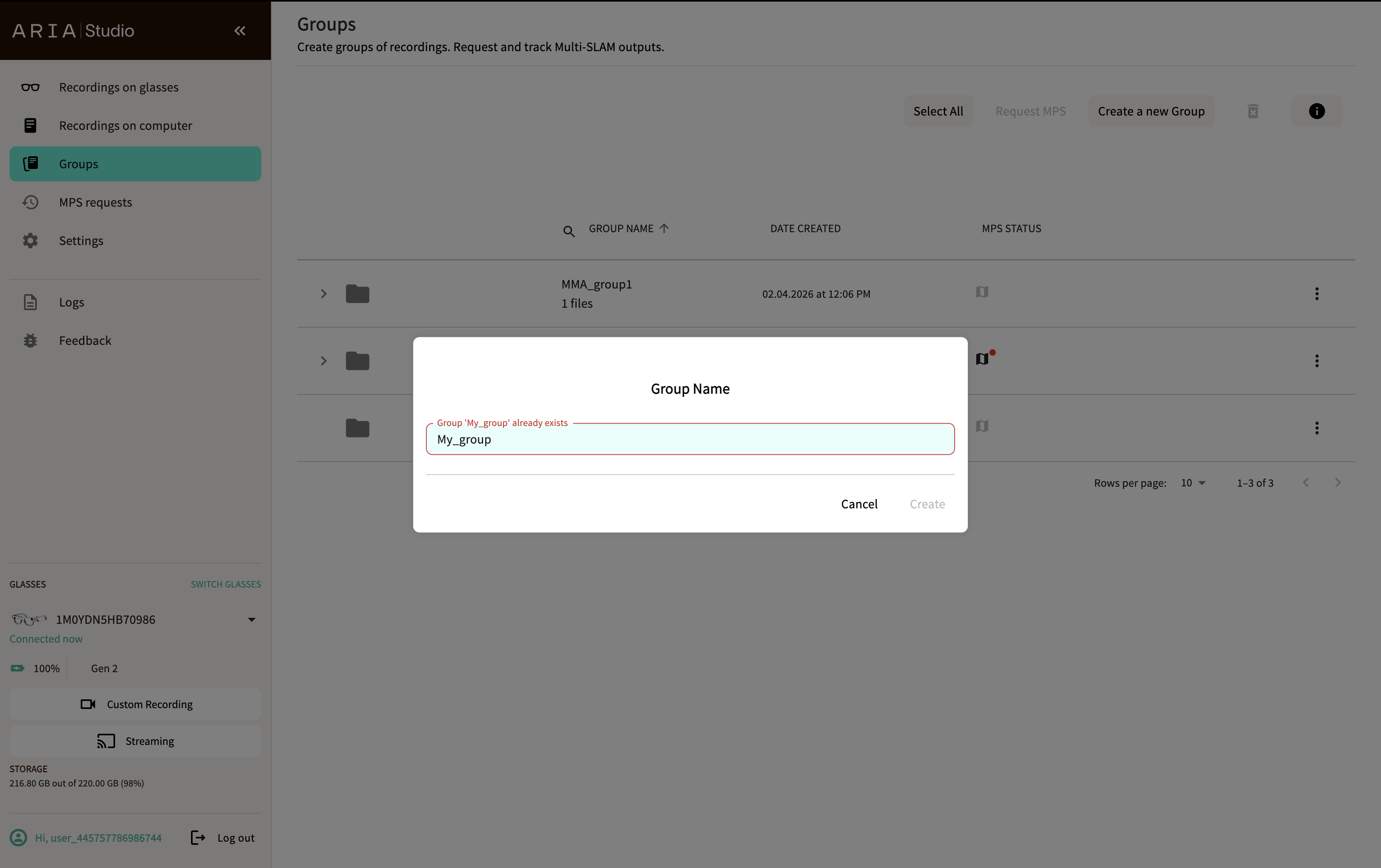
- If you enter a name that matches an existing group, the Group Name dialog shows an inline error ("Group '<name>' already exists") and the Create button stays disabled.
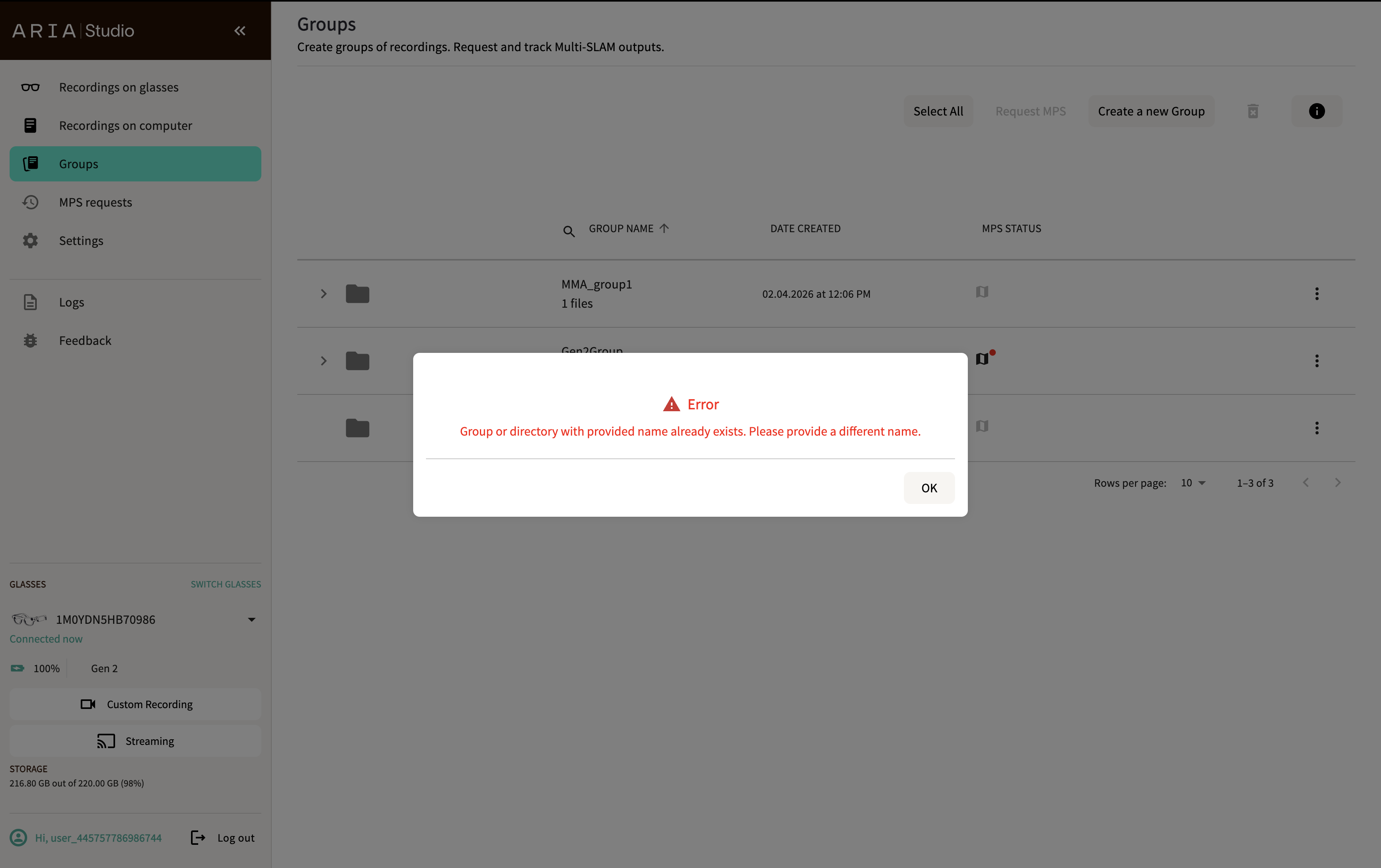
- If a group or directory with the chosen name already exists at the selected location, an error dialog appears: "Group or directory with provided name already exists. Please provide a different name." Select OK and try again with a different name.
Manage groups
Groups appear in a sortable table with the following columns:
| Column | Description |
|---|---|
| Group Name | Name of the group and number of files |
| Date Created | When the group was created |
| MPS Status | Processing status icon for Multi-SLAM |
Each group row has an expand arrow to reveal the individual VRS files in the group.
View group details
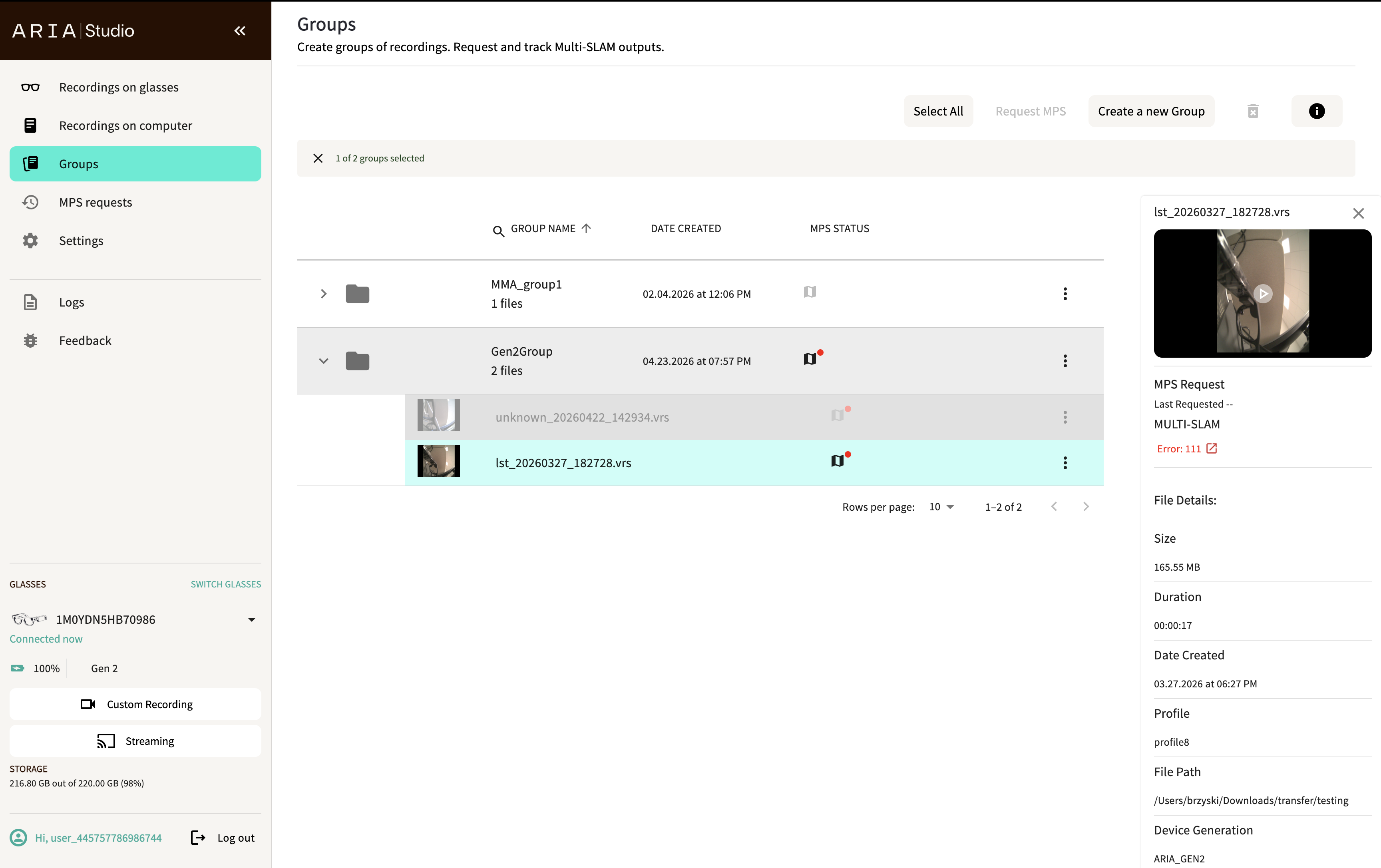
Select a group and click the info button in the header to open the details panel. This shows:
- MPS Request — Status of the last Multi-SLAM request with links to view results
- Group Details — Number of files, date created, and group path on disk
Expand a group and select an individual file to see its details in the panel, including file size, duration, date created, recording profile, file path, and device generation.
Delete groups
- Select one or more groups.
- Select the delete button in the header.
- Confirm by selecting Delete group in the dialog.
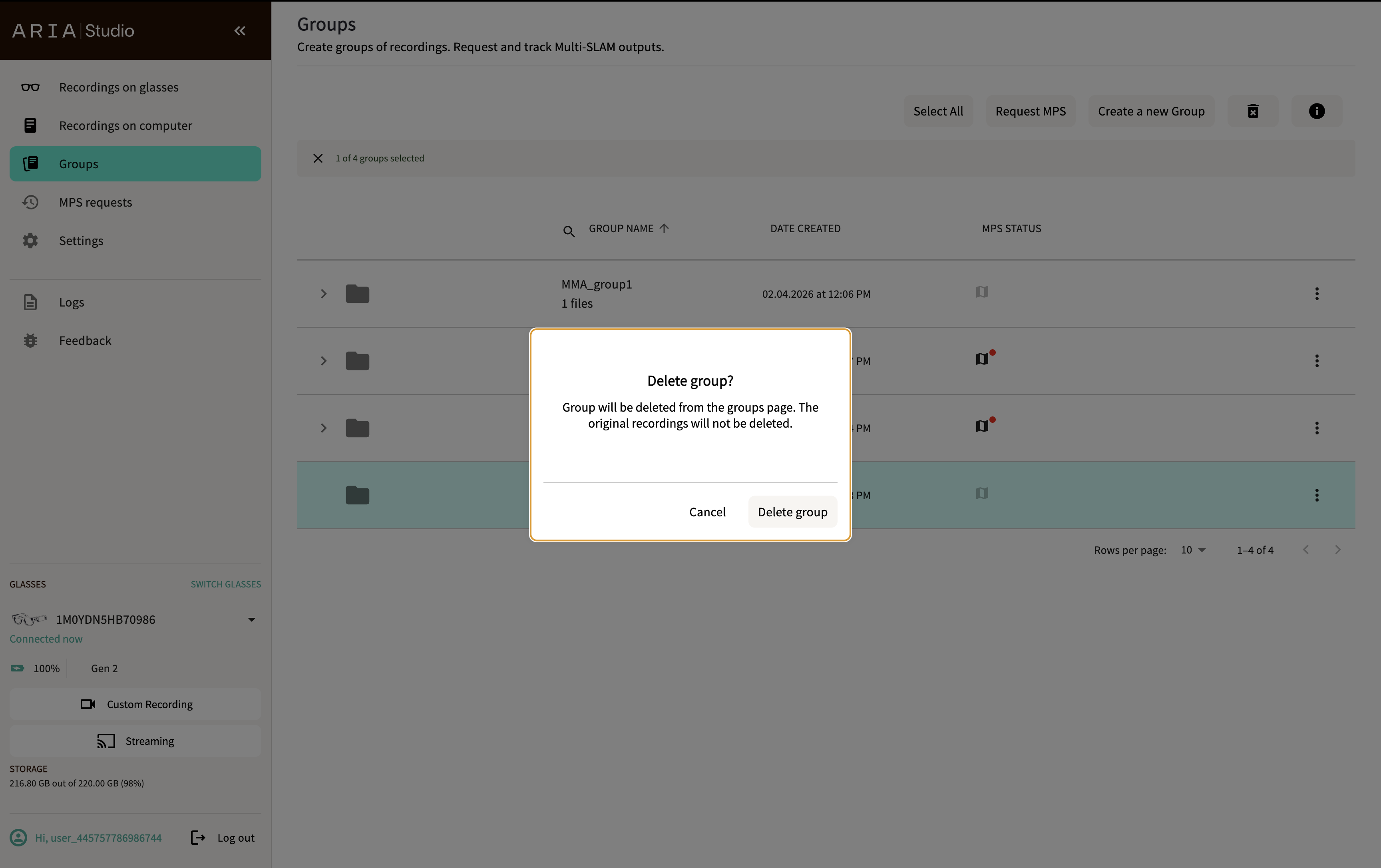
Deleting a group removes it from the Groups page. The original VRS recording files are not deleted.
Request Multi-SLAM
- Select one or more groups (each must have at least 2 recordings).
- Select Request MPS in the header.
- In the Select service options dialog, MULTI-SEQUENCE SLAM is pre-selected.
- Optionally check Re-process completed groups to force reprocessing.
- Select Done to submit.
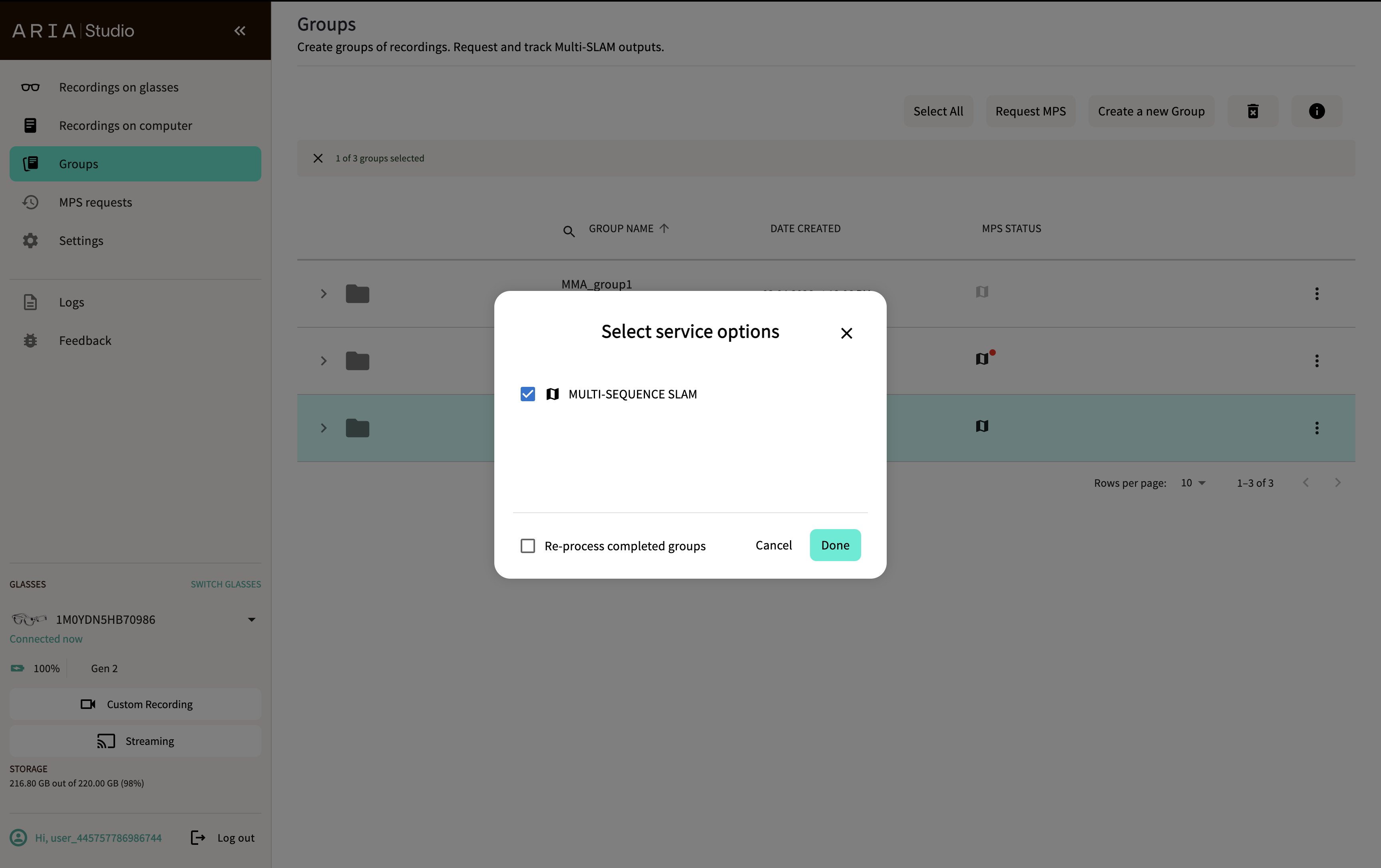
Processing is done in the cloud. Monitor status on the MPS Requests page or check the MPS Status column in the Groups table.
Error conditions
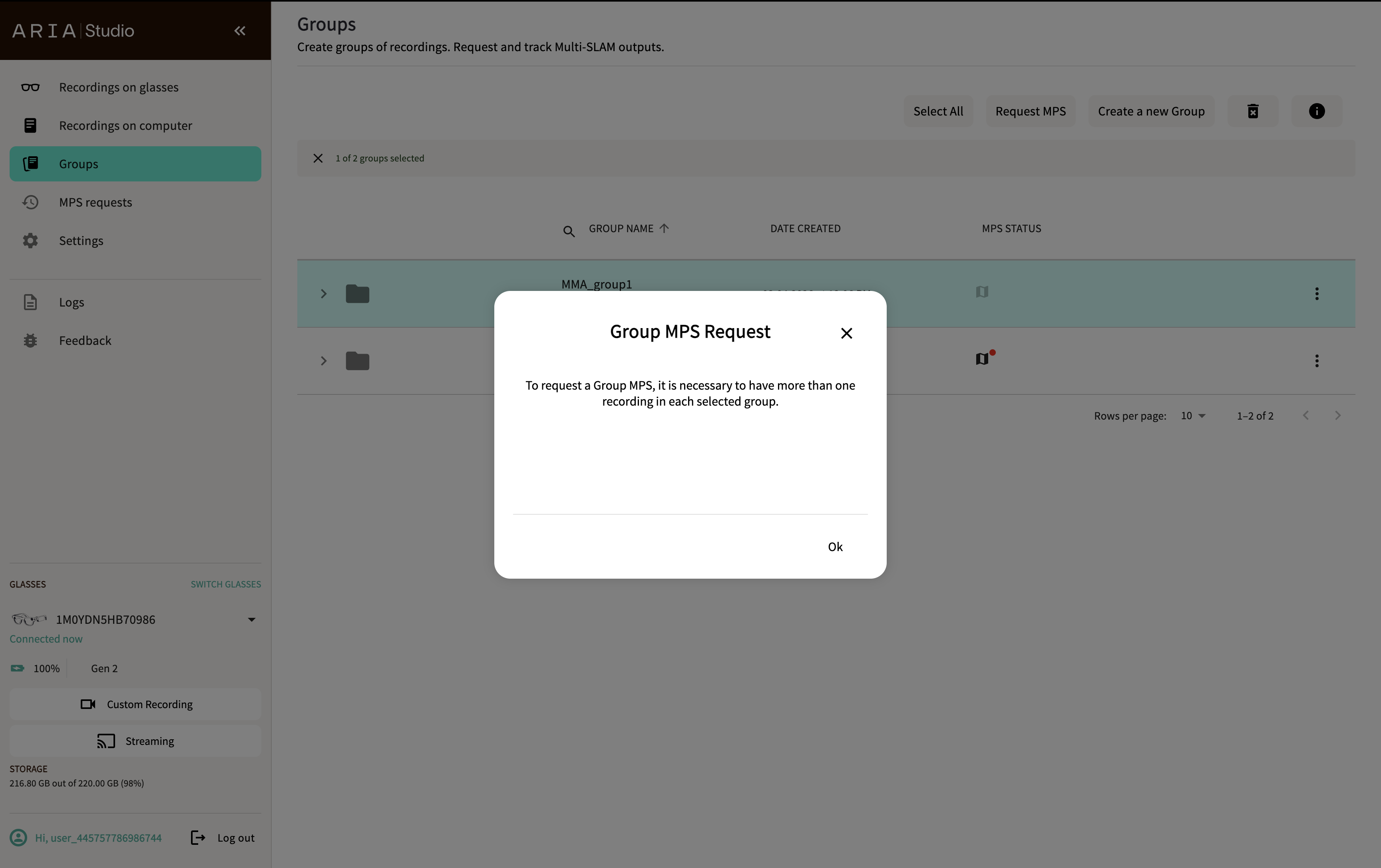
If a group has fewer than 2 recordings, an error message appears:
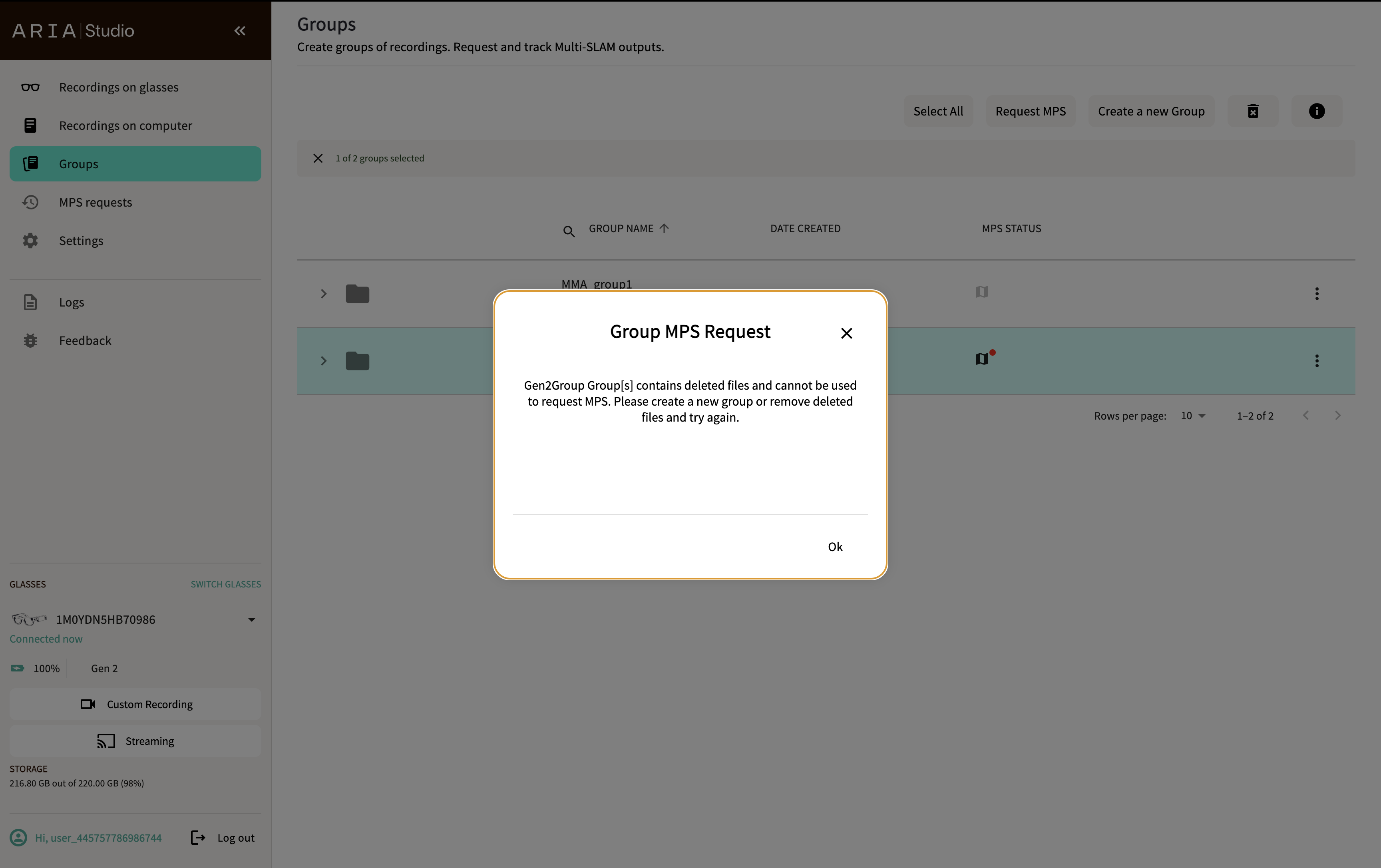
If a group contains files that have been deleted from disk, the request will be blocked:
Multi-SLAM outputs
On success, results are saved to the group's storage directory with numbered subfolders for each recording:
group-folder/
  ├── 0/
  │   └── slam/
  ├── 1/
  │   └── slam/
  ├── summary.json
  └── vrs_to_multi_slam.json
For the complete directory layout, recording-to-directory mapping, and coordinate-frame semantics, see the Multi-Sequence Trajectory (MST) data format.
Visualize Multi-SLAM results
Select a processed group to visualize the unified Multi-SLAM results in the Rerun viewer. The viewer shows all device trajectories and point clouds from the group overlaid in a single 3D scene.
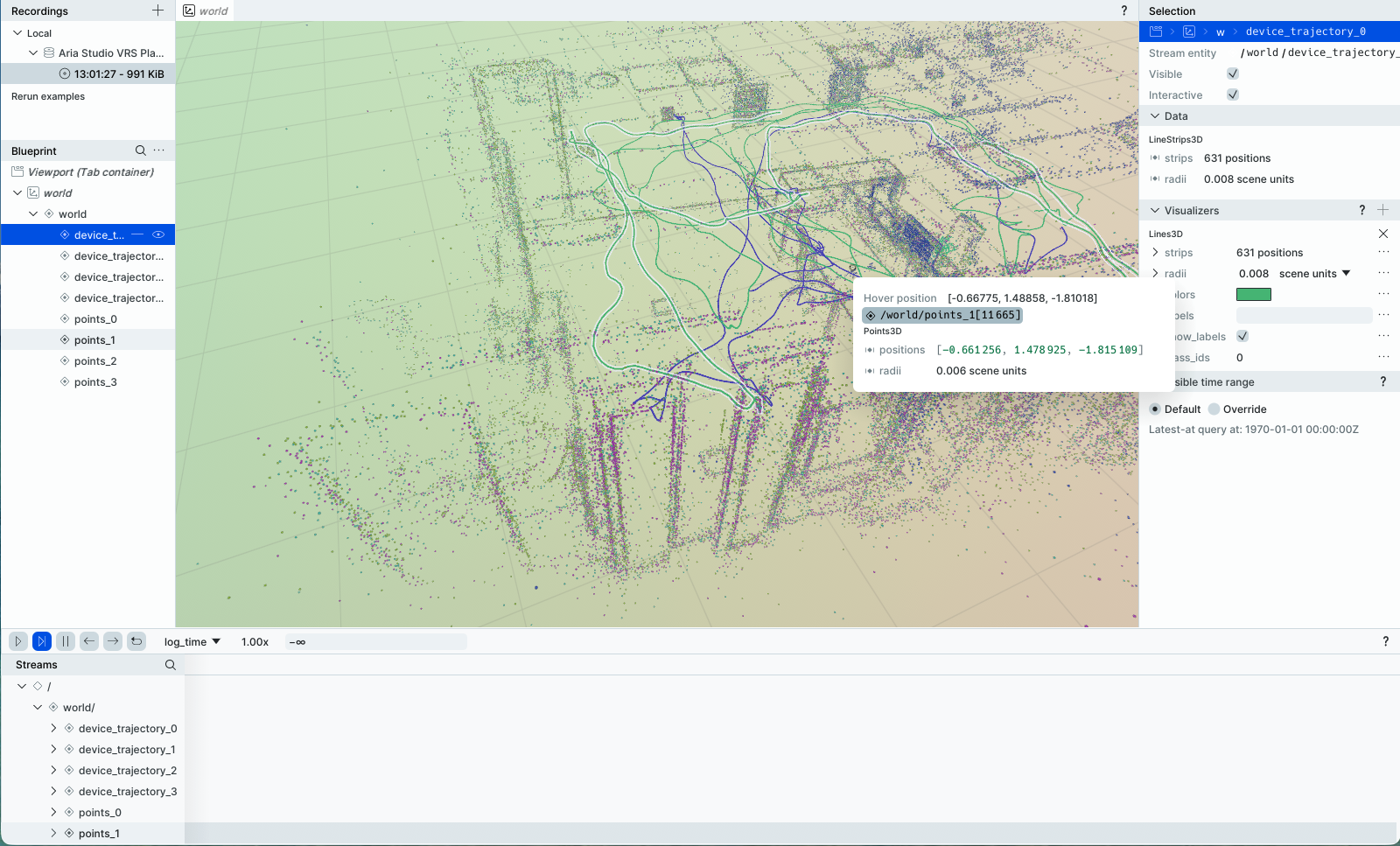
You can also select an individual file within a group to view its MPS results.