Action Button
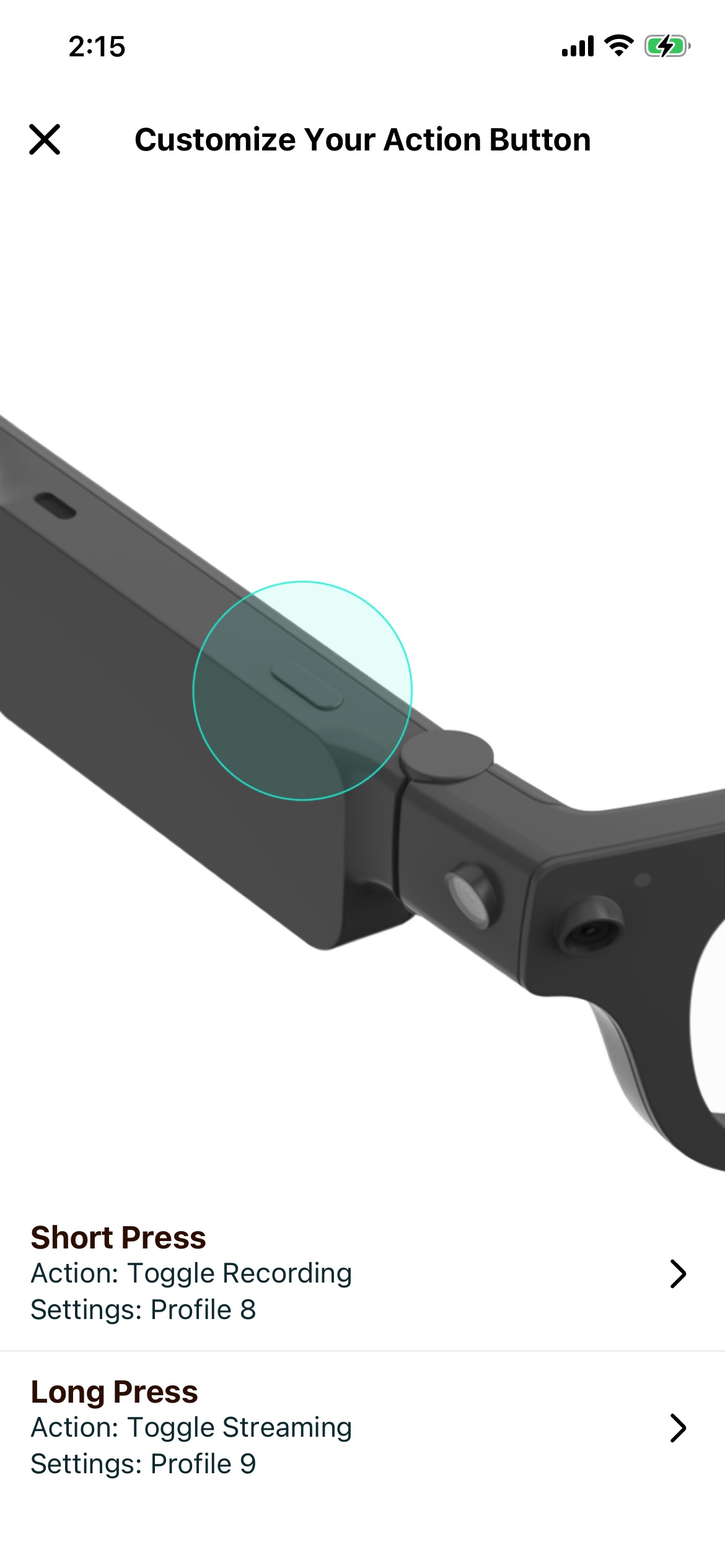
The Aria Gen 2 Action Button currently employs two types of interaction: a Short Press and a Long Press.
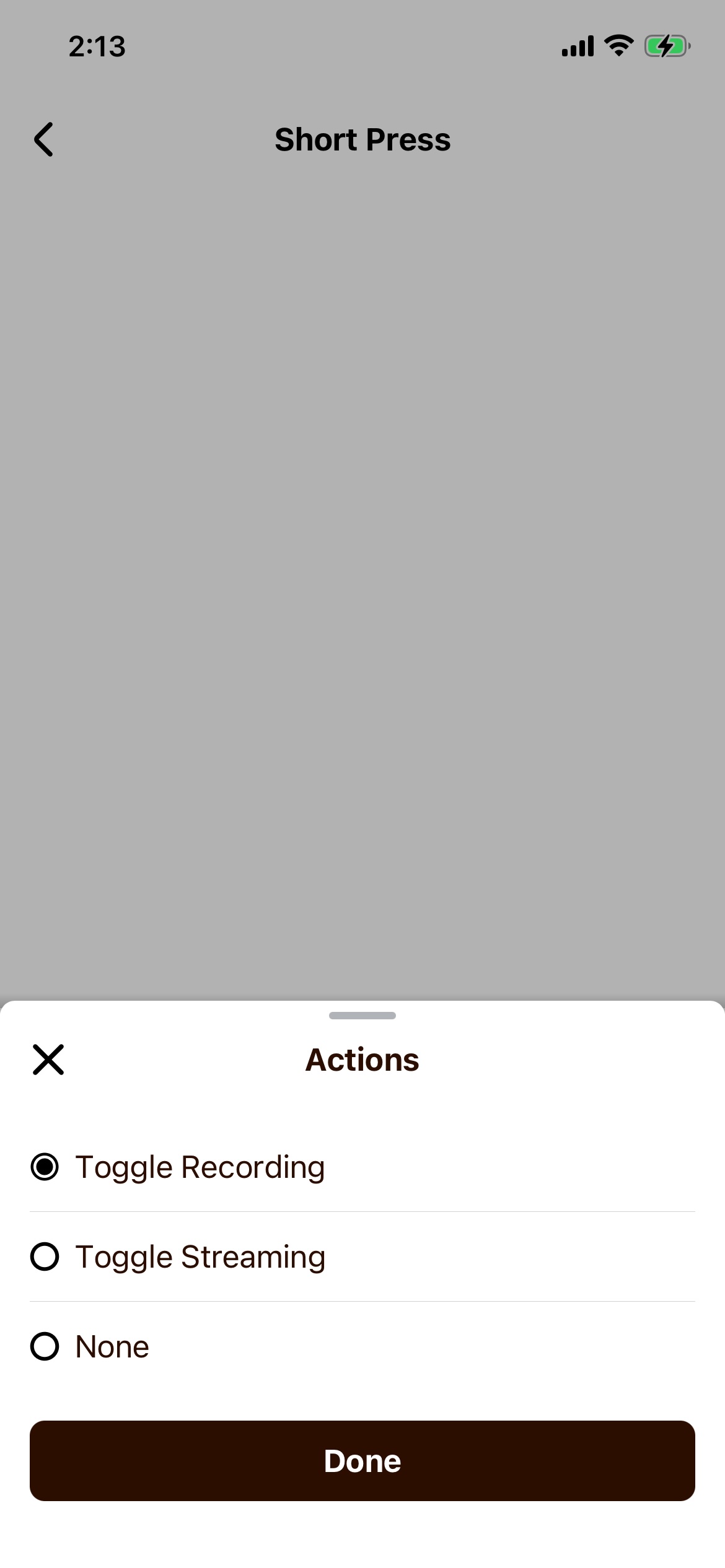
You can choose to keep the action button as default, or you can redefine either of the actions to be Start and Stop Recording or Start and Stop Streaming. Once you make this change the glasses will persist this setting for both standalone glasses behavior and behavior through the Client SDK.
All functionality will still be triggerable from the Companion App regardless of the Action Button settings. The Action Button settings can be changed in the Companion App at any time.
Available Actions
You will be able to select from a growing list of actions to program the button. Here is what you have access to today:
| Action | Short Press | Long Press |
|---|---|---|
| Start/Stop Custom Recording | Configurable/Default assignment | Configurable |
| Start/Stop Streaming | Configurable | Configurable |
How to Program Your Button
Customizing your action button is simple and can be done via the Aria Companion App on your phone.
-
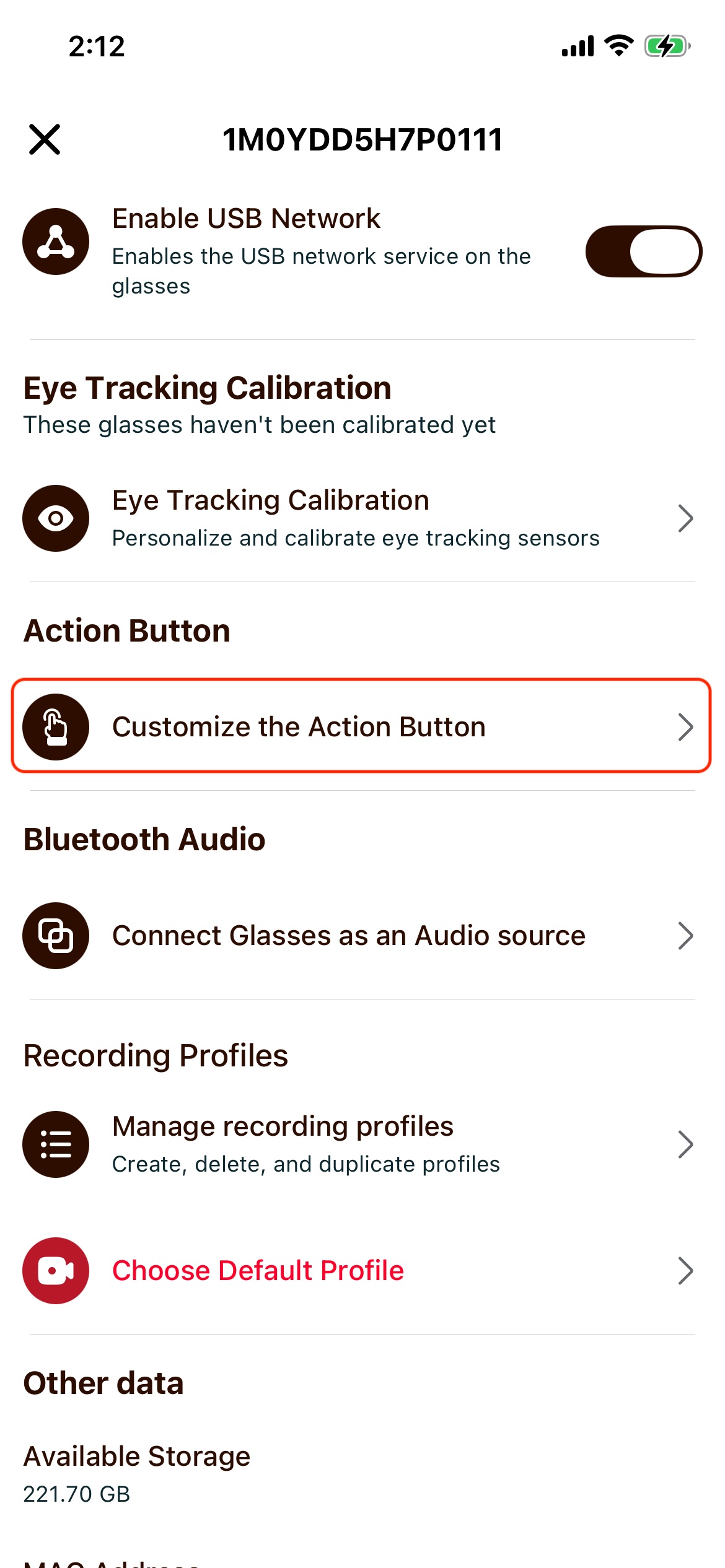
From the dashboard tab on your companion app, tap your glasses' name to open Glasses Settings.
-
Select Action Button Customization.
- Choose which action to customize, long-press or short-press.
- Select the action you would like to program the button to perform.
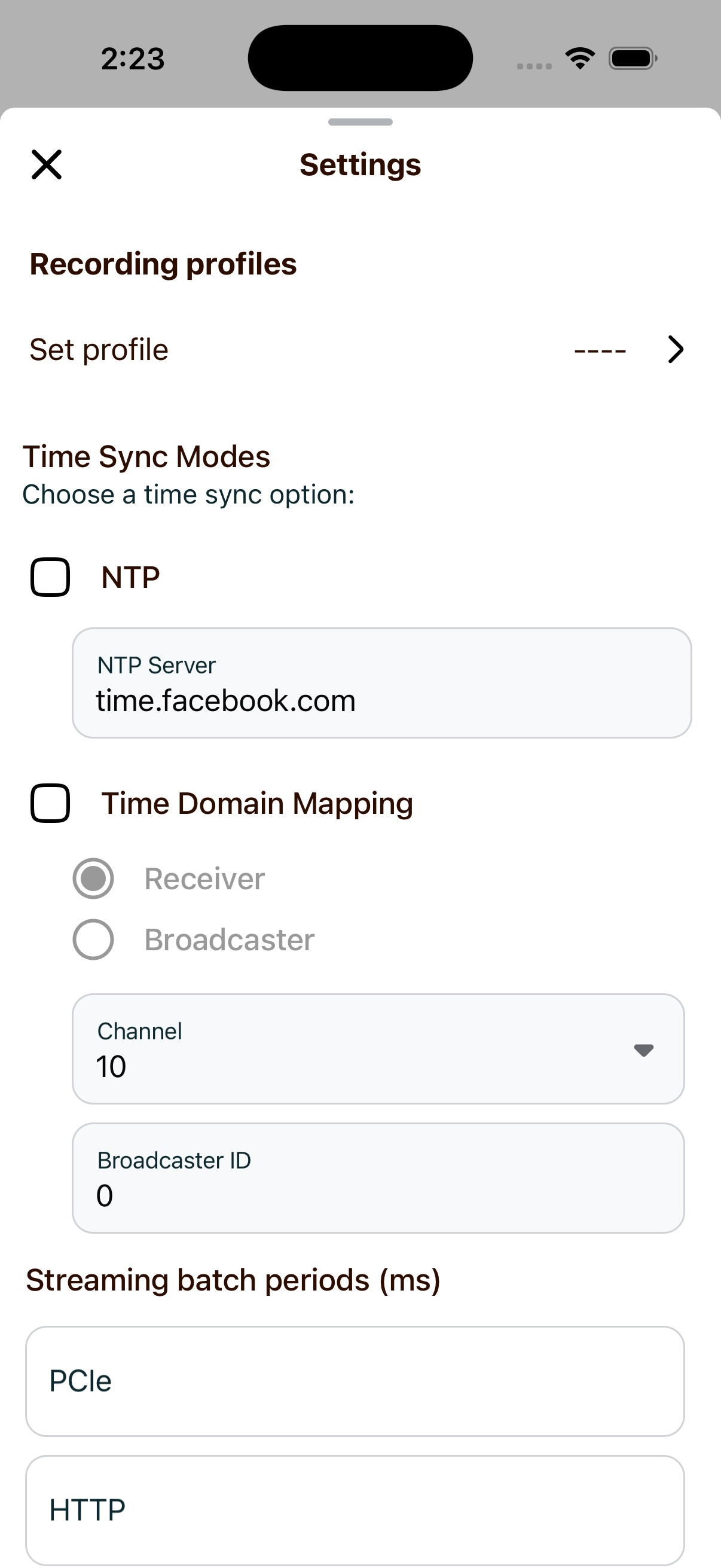
- Open additional settings for your action by tapping the settings row.
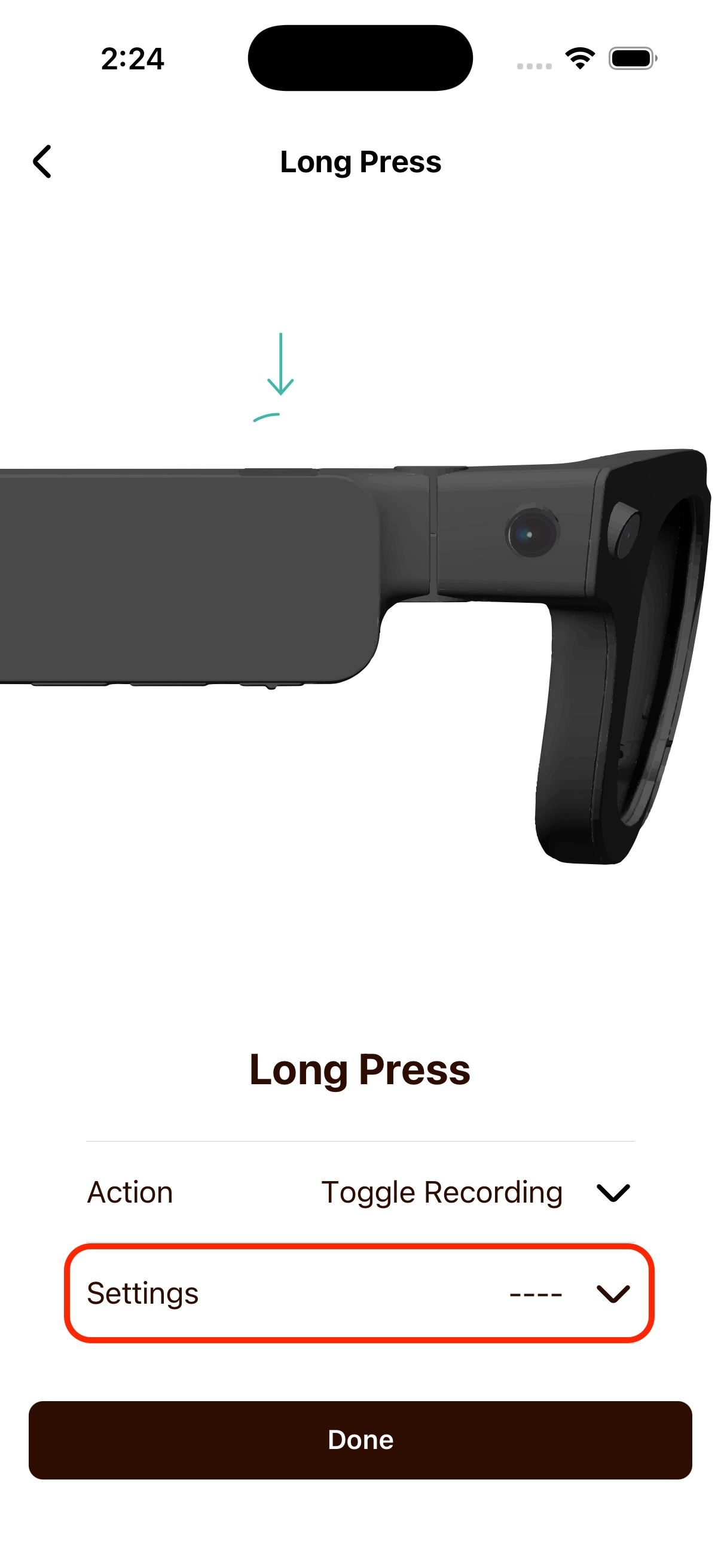
- Select your profile and other settings.
- Confirm your selections.