Tutorials
Two tutorials cover the full NeuralFetch workflow — from getting a curated study to wrapping your own dataset.
1 · Fetch a curated study
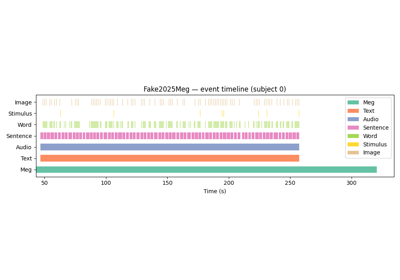
Browse the catalog, load a sample, and explore the events DataFrame.
import neuralset as ns

study = ns.Study(name="Grootswagers2022HumanSample",
                 path="./data")
study.download()
events = study.run()
print(events[["type","start","duration"]].head())↓
2 · Create or share a study
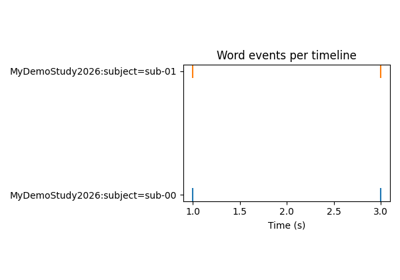
Wrap any local or remote dataset as a Study subclass registered in the catalog.
class MyStudy(studies.Study):
    def iter_timelines(self):
        yield {"subject": "sub-01"}
    def _load_timeline_events(self, tl):
        return pd.DataFrame([...])