Resizing and Scaling
Ocean provides several functions to resize or scale images. Each function comes with different execution performance and image quality.
The simplest solution to resize/down-sample an image is by usage of CV::FrameInterpolator::resize(). This function allows to specified the desired resize algorithm via a function parameter.
Currently, the function supports the following algorithms. Floating point data types are not supported:
RM_NEAREST_PIXEL, an interpolation applying a nearest pixel (nearest neighbor) lookup.RM_BILINEAR, an interpolation applying a bi-linear interpolation.RM_NEAREST_PYRAMID_LAYER_11_BILINEAR, a two-step interpolation, first applying a pyramid down-sampling with a 11 filtering, followed by bilinear interpolation from pyramid layer to target image.RM_NEAREST_PYRAMID_LAYER_14641_BILINEAR, a two-step interpolation, first applying a pyramid down-sampling with a 14641 filtering, followed by bi-linear interpolation from pyramid layer to target image.
A simple nearest neighbor lookup is commonly significantly faster than a two-step approach using a pyramid and subsequent (bi-linear) interpolation. However, pyramid-based down-sampling approaches create significantly better image qualities.
Below, you can find a comparison of the individual resize methods.
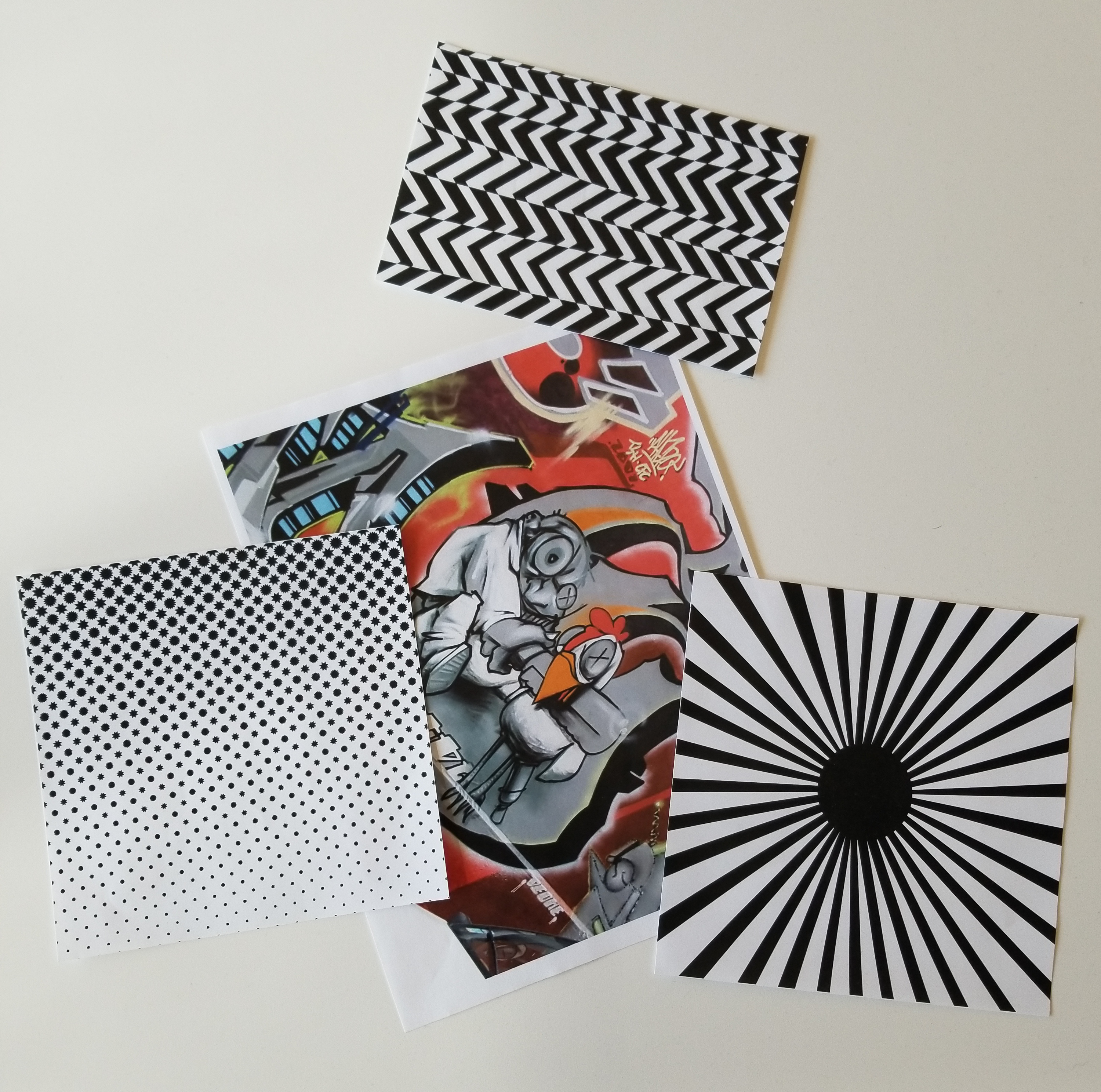
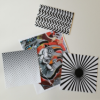
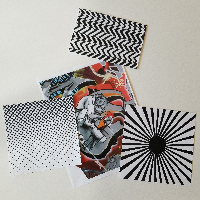
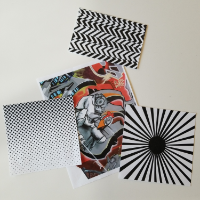
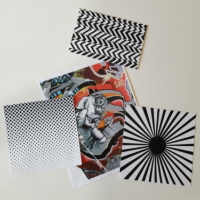
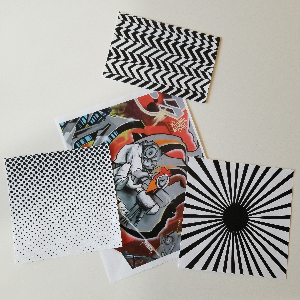
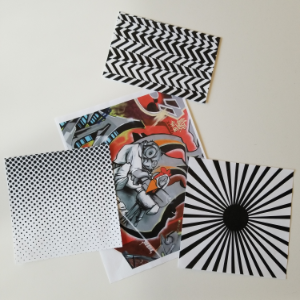
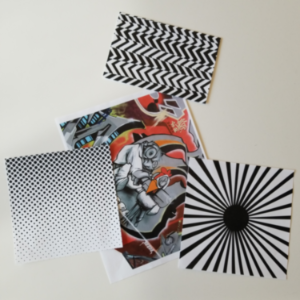
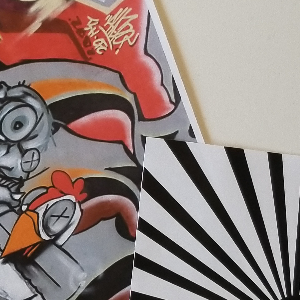
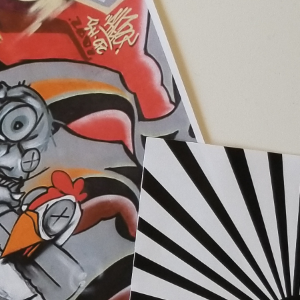
The following table shows the resized image for a variety of resolutions and resize methods:
| Resolution | Nearest neighbor | Bi-linear | Pyramid 1-1, Bi-linear | Pyramid 1-4-6-4-1, Bi-linear |
|---|---|---|---|---|
| 50 x 50 |  |
 |
 |
 |
| 100 x 100 | 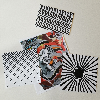 |
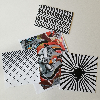 |
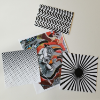 |
 |
| 200 x 200 | 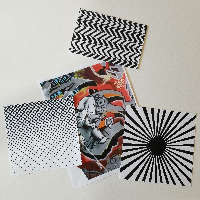 |
 |
 |
 |
| 300 x 300 | 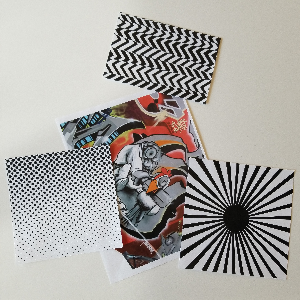 |
 |
 |
 |
| 1000 x 1000 (zoomed) | 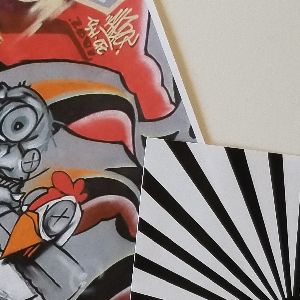 |
 |
 |
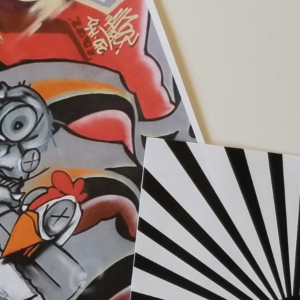 |
Obviously, when down-sampling an image with factor larger than 2x, a pure nearest-neighbor or bi-linear down-sampling method introduces undesired aliasing artifacts. In those cases, a two-step down-sampling strategy including a pyramid should be preferred.
However, all down-sampling methods have different performance characteristics. Therefore, it may make sense to use a faster down-sampling strategy when performance matters more than image quality. The following table shows the performance values measured on an iPhone 7 (single core / multi core):
| Resolution | Nearest neighbor | Bi-linear | Pyramid 1-1, Bi-linear | Pyramid 1-4-6-4-1, Bi-linear |
|---|---|---|---|---|
| 50 x 50 | 0.02ms / 0.02ms | 0.16ms / 0.16ms | 3.25ms / 3.26ms | 6.19ms / 6.21ms |
| 100 x 100 | 0.05ms / 0.05ms | 0.25ms / 0.25ms | 3.27ms / 3.29ms | 6.12ms / 6.16ms |
| 200 x 200 | 0.10ms / 0.12ms | 0.33ms / 0.25ms | 4.33ms / 3.32ms | 10.82ms / 6.17ms |
| 300 x 300 | 0.23ms / 0.24ms | 1.24ms / 0.73ms | 4.52ms / 3.46ms | 10.97ms / 6.24ms |
| 400 x 400 | 0.38ms / 0.23ms | 1.80ms / 0.94ms | 4.64ms / 3.46ms | 10.68ms / 5.98ms |
| 500 x 500 | 0.55ms / 0.40ms | 2.54ms / 1.39ms | 5.22ms / 3.75ms | 11.03ms / 5.69ms |
| 1000 x 1000 | 1.93ms / 1.11ms | 4.81ms / 2.55ms | 8.76ms / 5.17ms | 13.65ms / 7.30ms |
| 1500 x 1500 | 3.81ms / 2.01ms | 11.72ms / 6.10ms | 2.06ms / 1.90ms | 6.57ms / 3.30ms |
| 2000 x 2000 | 5.89ms / 3.10ms | 19.29ms / 10.27ms | 19.30ms / 10.28ms | 19.40ms / 10.70ms |